
Works with the tools you already use.
Client work lives in your inbox, your chat, your calendar and your project tools. QTalo connects to them and shows you which client requests need attention. No new system to learn. No data entry.
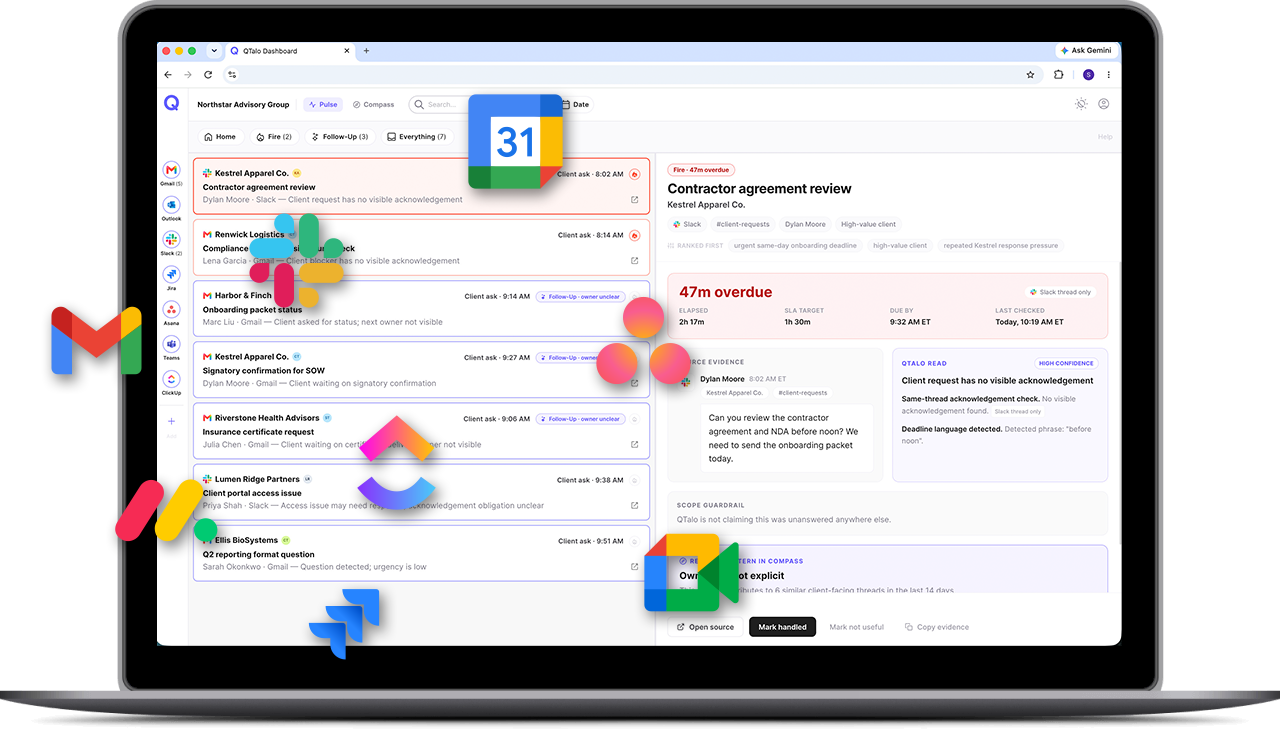
Connected Tools
One view across your team’s tools.
Gmail. QTalo finds client requests and replies in your team’s inboxes.
Chat
Slack. Client channels, side threads and direct messages.
Meetings
Google Meet. Commitments made on calls, so they don’t get lost afterward.
Calendar
Google Calendar. Deadlines, check-ins and meetings tied to client work.
Files
Google Drive. The documents and comments that move client work forward.
Projects and Tasks
Asana, Jira, ClickUp and monday.com. Tasks, owners and due dates.
Your systems don’t have to be perfect.
Most teams have work scattered across inboxes, chats, portals and side conversations. That’s normal. QTalo starts with the signals you already have. You don’t have to reorganize anything first. There’s nothing to migrate, no new fields to fill in and no change to how your team works today. Connect the tools you use and QTalo shows you which client requests need attention.
Connect Your Tools
Sign in to each tool and approve QTalo’s access.
QTalo Reads the Signals
It finds requests, owners, deadlines and replies.
What Needs Attention
Overdue, unowned or unanswered work rises to the top.
Frequently Asked Questions
Which tools does QTalo connect to?
Today QTalo connects to Gmail, Slack, Google Calendar, Google Drive, Google Meet, Asana, Jira, ClickUp and monday.com. Don’t see your tool? Tell us what you use. We add new integrations for customers.
Does QTalo work with our CRM?
Not yet, but connecting to most systems is quick, and we’ve already built custom connections for clients. Tell us which CRM your team uses.
Does QTalo change anything in our tools?
No. QTalo has read-only access to the tools you connect. Your data is encrypted, never sold and never used to train AI models. Our Security page has the details.
How does setup work?
Your team connects each tool on a call with us. If your accounts need IT approval to connect apps like Google or Slack, we’ll work with your IT team to get it done.
Do we need every tool on this list?
No. QTalo works with email, chat and at least one project tool. Connecting more tools gives you a fuller picture.
See it with your tools.
Book a demo and we’ll show you what QTalo finds in a setup like yours.